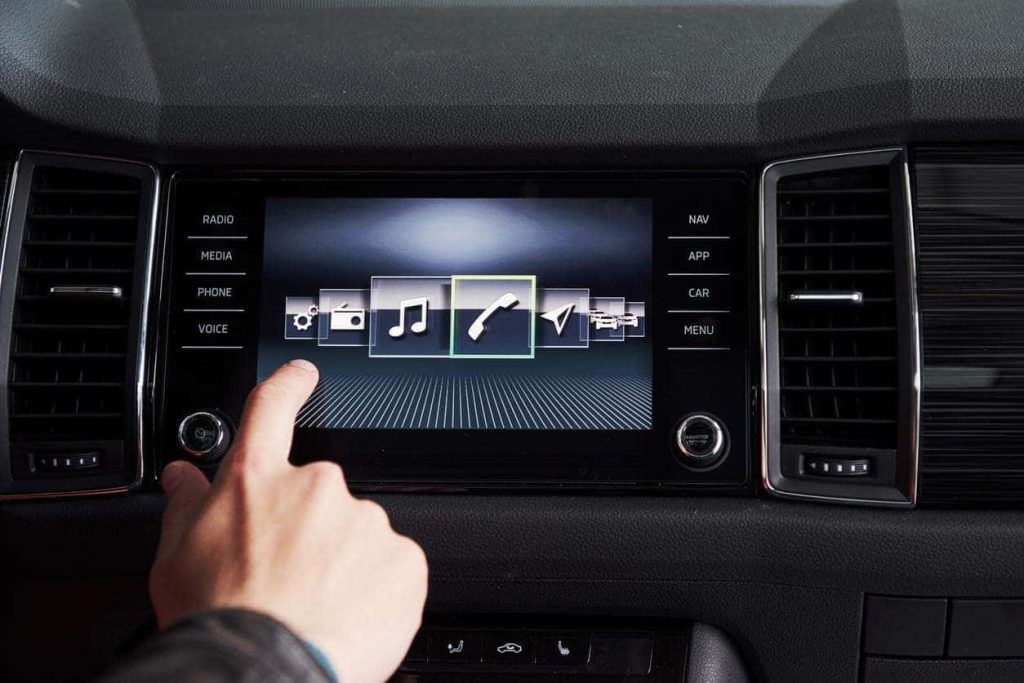
In 2026, our vehicles are more connected than ever before. Yet, driving a car with a laggy, unresponsive, or outdated dashboard screen can make even a short commute feel incredibly frustrating. If you are tired of dealing with slow maps, dropouts, or a boring user interface, learning how to improve your car infotainment system is one of the best investments you can make for your daily drive, enhancing both the overall user experience and driving safety.
You do not need to buy a brand-new vehicle to enjoy a state-of-the-art digital experience. Whether you want to optimize your existing setup with cost-effective solutions, add smart accessories, or completely swap out your old radio for a modern touchscreen, this comprehensive guide will show you exactly how to transform your car’s cabin into a modern, connected oasis, often creating a true digital dashboard or modern digital cockpit.
1. Optimize and Customize Your Existing System (Zero-Cost Upgrades)
Before spending any money on new hardware, you should explore the hidden potential of your current dashboard setup. Many drivers do not realize that their slow or clunky screens can be significantly improved with a few simple software tweaks and customization steps, leading to a much better user experience.
Keep Your Firmware and Software Updated
Just like your smartphone or laptop, your car’s head unit runs on software that requires periodic updates. Manufacturers regularly release firmware updates to patch security vulnerabilities, fix software bugs, and improve overall system responsiveness.
Over-the-Air (OTA) Updates: If your car has built-in Wi-Fi or an active cellular connection, check your system settings menu for “System Update.” Connecting your car to your home Wi-Fi while parked in the driveway is an easy way to download these updates.
USB Manual Updates: For slightly older vehicles, you may need to visit the manufacturer’s official website, enter your Vehicle Identification Number (VIN), download the latest firmware onto a USB flash drive, and plug it into your car’s USB port to run the update.
Customize the User Interface for Faster Access
A cluttered screen leads to driver distraction and slower performance. Take ten minutes to customize your home screen layout:
Set Up Shortcuts: Save your home and work locations in the native navigation app for one-tap access.
Reorganize Icons: Drag your most frequently used apps (like Spotify, Maps, or Phone) to the primary home screen, and relegate unused factory apps to secondary pages.
Adjust Voice Settings: Fine-tune your system’s voice recognition sensitivity or switch to your phone’s voice assistant (Siri or Google Assistant) for more reliable hands-free operation and improved voice control capabilities.
Update Your Navigation Maps
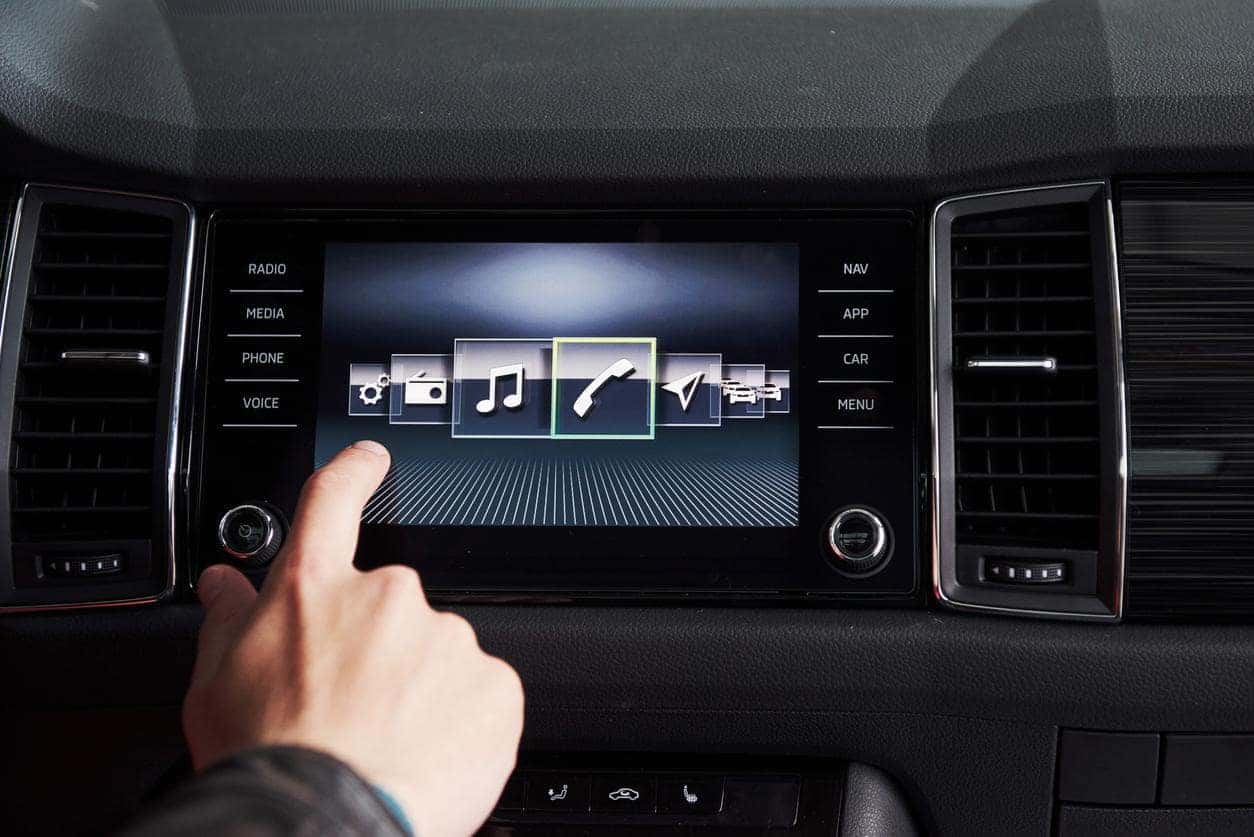
Driving with outdated maps is highly stressful. If your vehicle relies on an onboard GPS system rather than a smartphone, check if free map updates are available through your manufacturer. Many brands offer complimentary map downloads for several years after the vehicle’s release date. Updating these files ensures you have the latest road layouts, speed limits, and points of interest, often enabling access to crucial real-time traffic information and live traffic data.
2. Hardware Boosters: Dongles, Adapters, and Mobile Integration
If your built-in system works fine but lacks modern features like wireless connectivity, you do not need to replace the entire unit. A few smart hardware additions can bridge the gap between your smartphone and your dashboard.
Go Wireless with CarPlay and Android Auto Dongles
Many cars from the late 2010s and early 2020s feature Apple CarPlay and Android Auto, but only via a physical USB cable. Keeping your phone plugged in constantly is inconvenient and degrades your phone’s battery over time.
You can easily upgrade to a wireless setup by purchasing a wireless CarPlay or Android Auto adapter (popular brands include AAWireless and CarlinKit). These compact dongles plug directly into your car’s USB data port and remain hidden in your center console. Once paired via Bluetooth, your phone will automatically connect to your dashboard screen within seconds of you starting the engine, providing seamless smartphone mirroring technology.
Upgrade Your Display Tech
If your older screen is hard to read in direct sunlight or suffers from poor viewing angles, you might wonder how display quality affects your experience. Modern LCD and OLED screens offer much better contrast, brightness, and touch responsiveness than older resistive touchscreens.
Add a Secondary Smart Screen
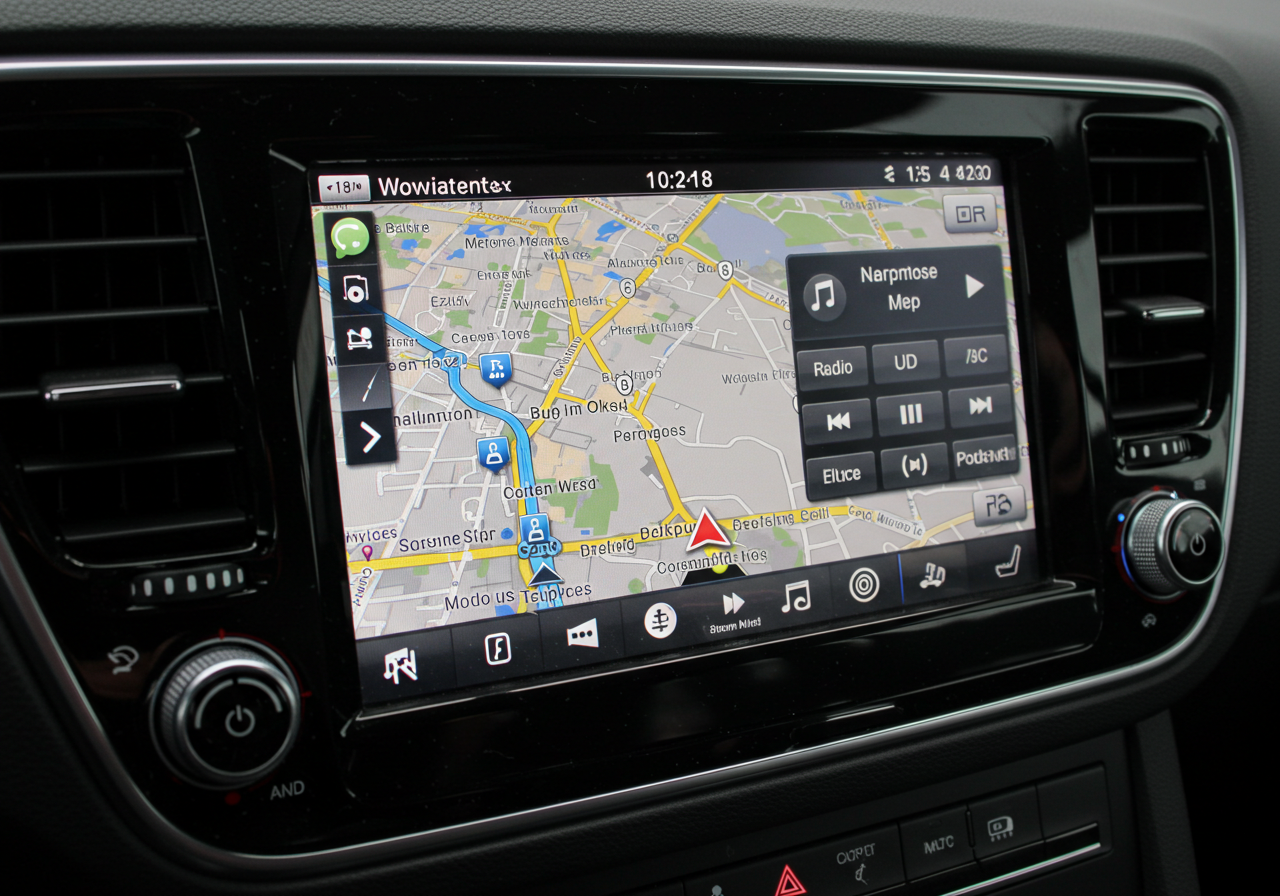
For older cars that lack any screen at all, installing a standalone dashboard-mounted smart screen is an incredibly cost-effective option. These portable units mount to your windshield or dashboard via a suction cup or adhesive pad. They plug into your 12V power outlet (cigarette lighter) and transmit audio to your car’s existing stereo via an auxiliary (AUX) cable or an FM transmitter, giving you instant access to wireless CarPlay and Android Auto for a fraction of the cost of a full system replacement, making them excellent cost-effective solutions for older vehicles.
3. Going All-In: Upgrading to an Aftermarket Infotainment System
When your factory system is simply too old, slow, or damaged to salvage, a complete hardware replacement is the ultimate way to modernize your vehicle.
Choosing the Right Aftermarket Head Unit
The aftermarket car audio industry has evolved rapidly. Today’s premium head units offer stunning high-resolution capacitive touchscreens, built-in digital signal processors (DSPs) for superior enhanced audio experience and premium sound quality, and seamless vehicle integration.
When shopping for an aftermarket system, look for highly reputable audio brands that are known for stability and performance:
Alpine: Renowned for premium sound quality, rugged build reliability, and massive “Halo” floating screens that fit into standard dashboard openings.
Pioneer: Offers incredibly smooth user interfaces, excellent smartphone integration, and highly customizable audio tuning tools.
Kenwood: Known for robust hardware, high-resolution audio support, and reliable Garmin-powered onboard navigation options.
JVC: Provides fantastic mid-range options that offer high-end features like wireless smartphone integration at a highly competitive price point.
Double-DIN vs. Single-DIN: What Fits Your Car?
Before purchasing, you must determine your car’s dashboard layout and ensure vehicle compatibility for your specific car model:
Double-DIN (4 inches tall): Fits larger, touchscreen-based head units perfectly.
Single-DIN (2 inches tall): Traditionally used for basic media players, but modern “floating” screens now allow you to mount a massive 9-inch or 10-inch touchscreen even if your dashboard only has a single-DIN slot.
+-------------------------------------------------------------+
| Aftermarket Head Unit Comparison |
+---------------+---------------------+-----------------------+
Feature Premium Brand Budget Android Unit (Alpine/Pioneer) (Generic Brands)
+---------------+---------------------+-----------------------+
Sound Quality Audiophile Grade Basic / Flat Boot Time Near-Instant 30-60 Seconds System Stability High (Rarely Crashes) Moderate (May Lag) Price Range $300 - $1,200+ $100 - $300
+---------------+---------------------+-----------------------+
Retaining Your Factory Features
One of the biggest concerns drivers have when upgrading their head unit is losing factory features like steering wheel audio controls, backup cameras, climate control displays, or vehicle settings menus.
Fortunately, integration modules like the iDatalink Maestro solve this problem entirely. By wiring this module between your new aftermarket stereo and your car’s factory wiring harness, you can retain all of your steering wheel buttons, keep your factory backup camera active, and even display real-time engine diagnostics and tire pressure directly on your new screen, ensuring seamless vehicle integration and retaining essential factory functionality. This often includes integration with other parking assistance features and reverse camera integration.
4. The DIY Route: Building Your Own Custom Infotainment Hub
For tech enthusiasts and DIYers, creating a custom, home-grown infotainment system is an exciting project that offers limitless customization.
The Tablet Install
The simplest DIY method involves mounting an iPad or an Android tablet directly over your factory dashboard. By using heavy-duty magnetic mounts, you can easily attach and detach the tablet.
Audio Routing: Connect the tablet to your car’s factory stereo system via Bluetooth or a high-quality auxiliary cable.
Software: Use specialized dashboard apps like Car Launcher or AutoZen to create a driver-friendly interface with oversized buttons, easy-to-read maps, and quick access to your music library.
The Raspberry Pi / Open-Source Approach
If you want a truly integrated, custom-built system, you can build an infotainment head unit using a Raspberry Pi microcomputer.
Hardware Needed: A Raspberry Pi 4 or 5, a compatible capacitive touchscreen display, a custom dashboard bezel, and a 12V-to-5V power converter.
Software Options: Platforms like OpenAuto Pro or Crankshaft allow you to run an emulator that mimics Android Auto, giving you a fully functional, highly customizable, and affordable smart touchscreen system.
5. Troubleshooting and Maintenance: Keeping It Running Smoothly
Even the best technology can run into issues over time. If your system is lagging, freezing, or refusing to connect to your phone, use these troubleshooting steps to restore peak performance.
How to Reboot Your Car’s Infotainment System
When your screen freezes mid-drive, a quick system reboot usually resolves the issue. Since you cannot easily pull the power plug while driving, most systems have a built-in button combination to force a soft reset.
For Ford (Sync): Press and hold the Seek Up and Radio Power buttons simultaneously for about 5 to 10 seconds.
For Honda: Press and hold the Audio Power button until a prompt asks if you want to reboot the system.
For Toyota: Press and hold the physical Volume/Power knob down for 10-15 seconds.
The Universal Method: If your car lacks a specific button shortcut, safely pull over, turn off the engine, open the driver’s door (to cut auxiliary power to the dashboard), wait two minutes, and restart the car.
Preventative Maintenance Tips
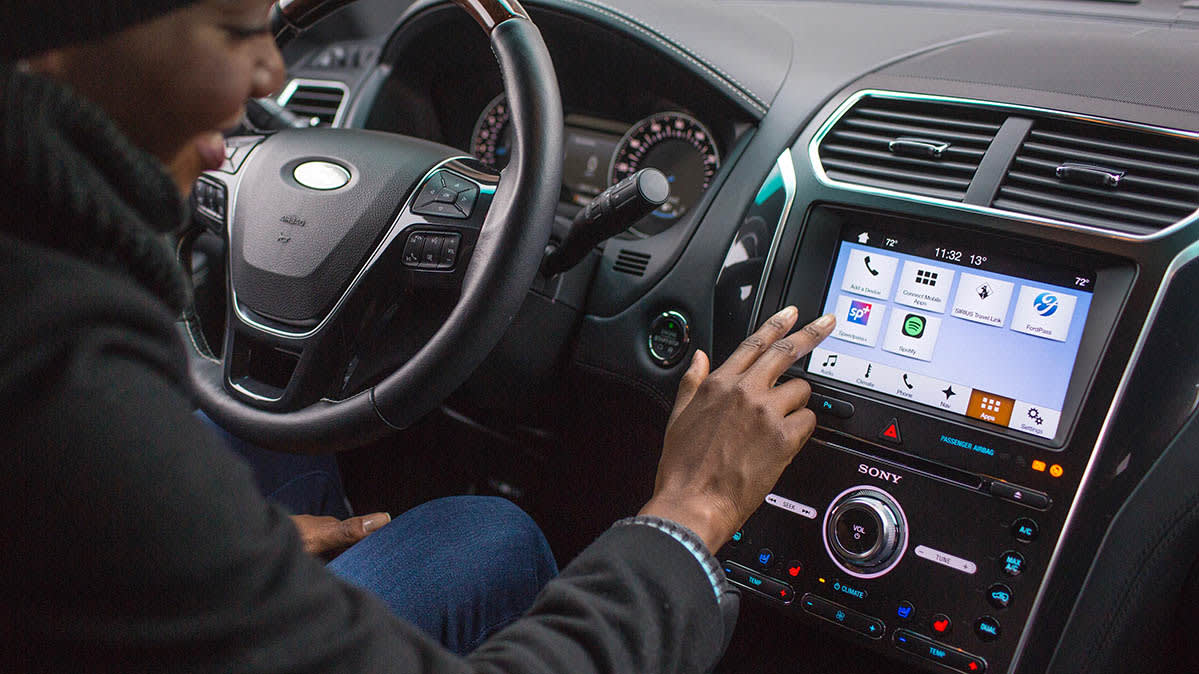
Clear Saved Devices: Over time, your system’s Bluetooth memory can become clogged with old phone profiles. Delete any unused devices to speed up connection times.
Use High-Quality Cables: If you use a wired connection, cheap charging cables are the primary cause of frequent connection drops. Always use a high-quality, high-speed data cable certified by Apple (MFi) or your phone manufacturer.
Protect the Screen: Apply a matte screen protector to reduce glare and protect the display from scratches, fingerprints, and UV damage.
Summary: Which Path is Right for You?
Improving your driving experience does not require a trip to the dealership for a new car. The path you choose depends entirely on your budget, technical comfort, and current vehicle setup, offering various cost-effective solutions:
- The Budget-Conscious Driver: Stick to your factory system. Update your firmware, customize your home screen, and add a wireless dongle for seamless daily use.
- The Classic Car Owner: Install a high-quality standalone portable dashboard screen or opt for a clean, professional aftermarket head unit from Alpine or Pioneer.
- The Tech Enthusiast: Build a custom Raspberry Pi system or mount a dedicated tablet to enjoy total control over your dashboard interface.
By taking the time to understand how to improve your car infotainment system, you will eliminate daily driving frustrations, increase your vehicle’s resale value, and enjoy a safer, more connected, and highly entertaining journey every single time you start the engine, significantly improving your overall user experience.